



Wireless Charging Pad – Convenient Cable-Free Charging
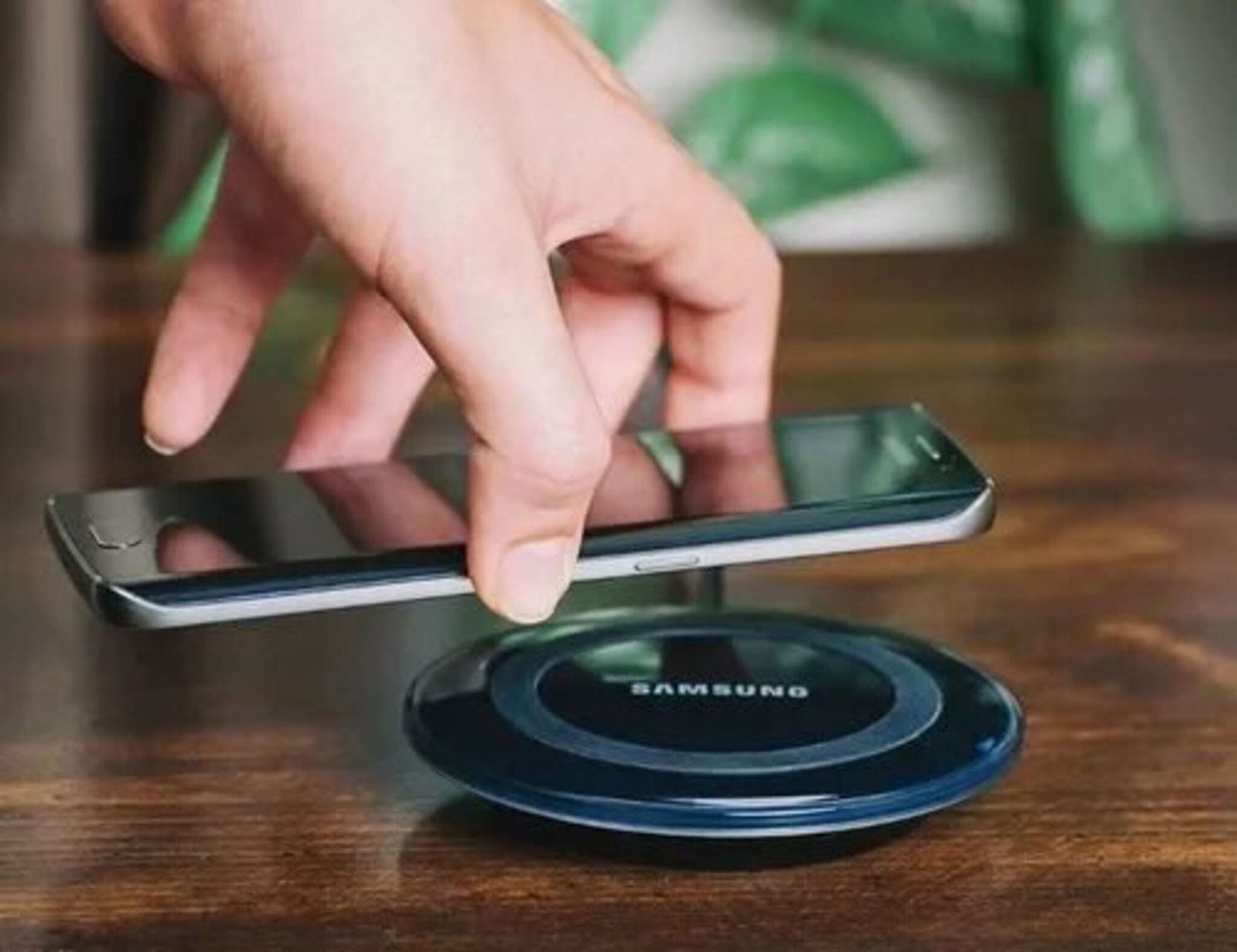
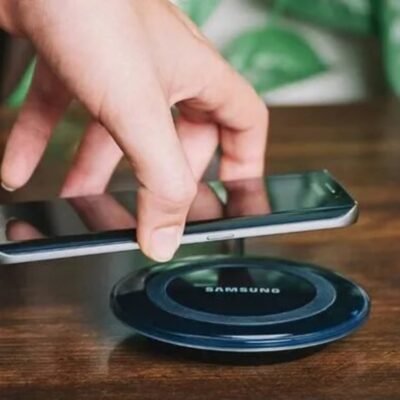
Enjoy a cleaner and more convenient way to charge your compatible smartphone with this Wireless Charging Pad. Simply place your wireless charging-enabled mobile device on the charging surface and let it power up without repeatedly connecting and disconnecting a charging cable.
Designed with a sleek and professional appearance, this compact charging pad helps minimize cable clutter and fits easily on a desk, bedside table, office workspace, or other convenient location.
Key Features and Benefits
Easy Wireless Charging: Simply place a compatible smartphone on the charging pad for convenient cable-free charging.
Wide Compatibility: Designed for use with wireless charging-enabled mobile devices that support the charger’s charging standard.
5V Input/Output: Operates with a 5V power supply for everyday charging needs.
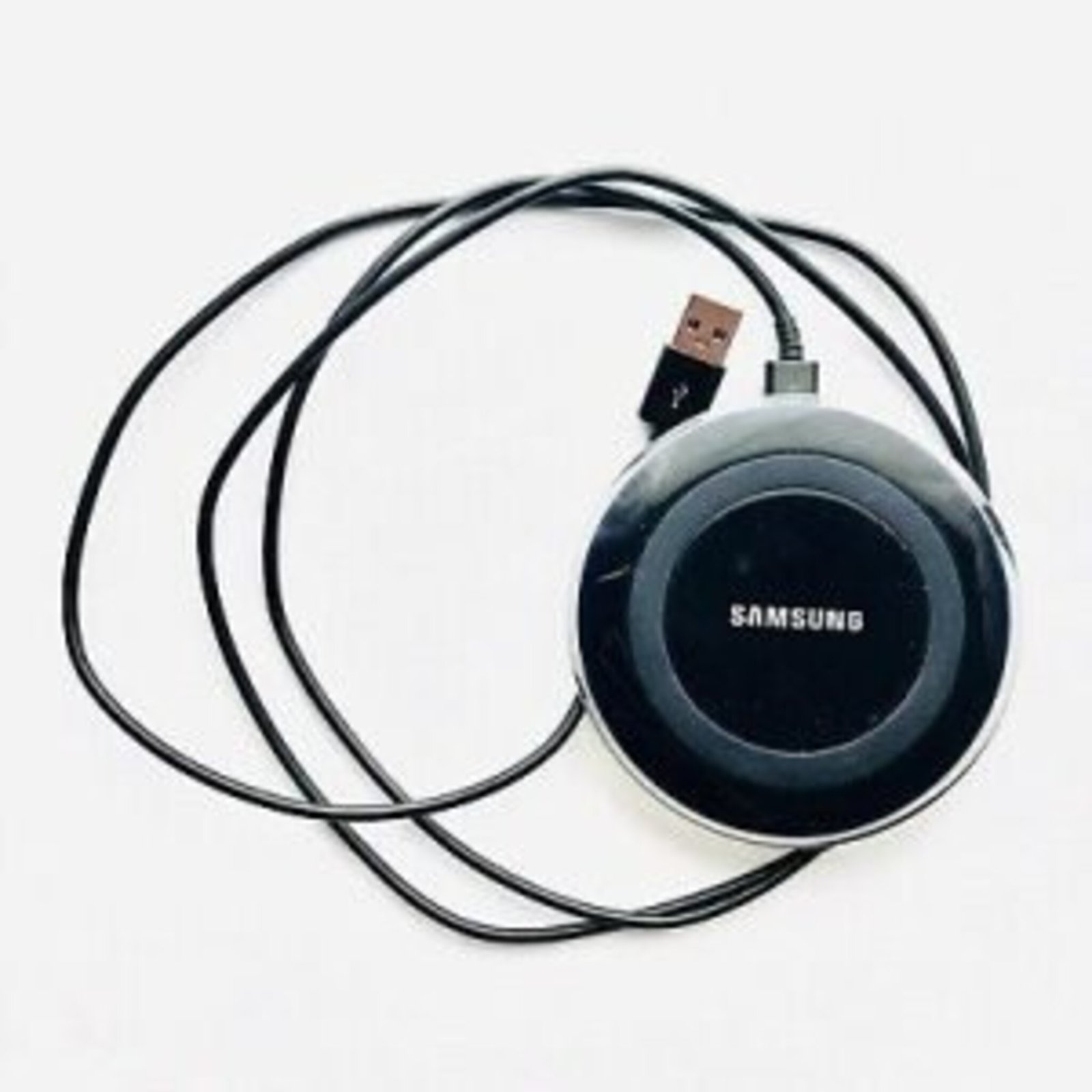
Micro USB Interface: Features a Micro USB connection for connecting the charging pad to a compatible power source.
Simple Operation: No complicated setup is required—connect the pad to a working power source and place your compatible device on it.
Sleek & Professional Design: The modern appearance complements desks, bedside tables, and workspaces.
Reduces Cable Clutter: Wireless charging helps keep your charging area neat and organized.
Compact & Convenient: Easy to place at home, in the office, or beside your bed for regular use.
Samsung Charger Compatibility: The product information indicates compatibility with Samsung Micro USB chargers, provided the connected charger is working and suitable for the device.
How to Use
Connect the wireless charging pad to a compatible 5V power source using the Micro USB interface.
Ensure the connected charger and power source are working properly.
Place your wireless charging-compatible smartphone centrally on the charging pad.
Check that the device begins charging before leaving it on the pad.
Important Note
This charging pad is intended for devices that support wireless charging. Compatibility can vary by smartphone model, so check your device’s specifications before use. The connected power adapter should also meet the required power specifications.
Reviews
There are no reviews yet.